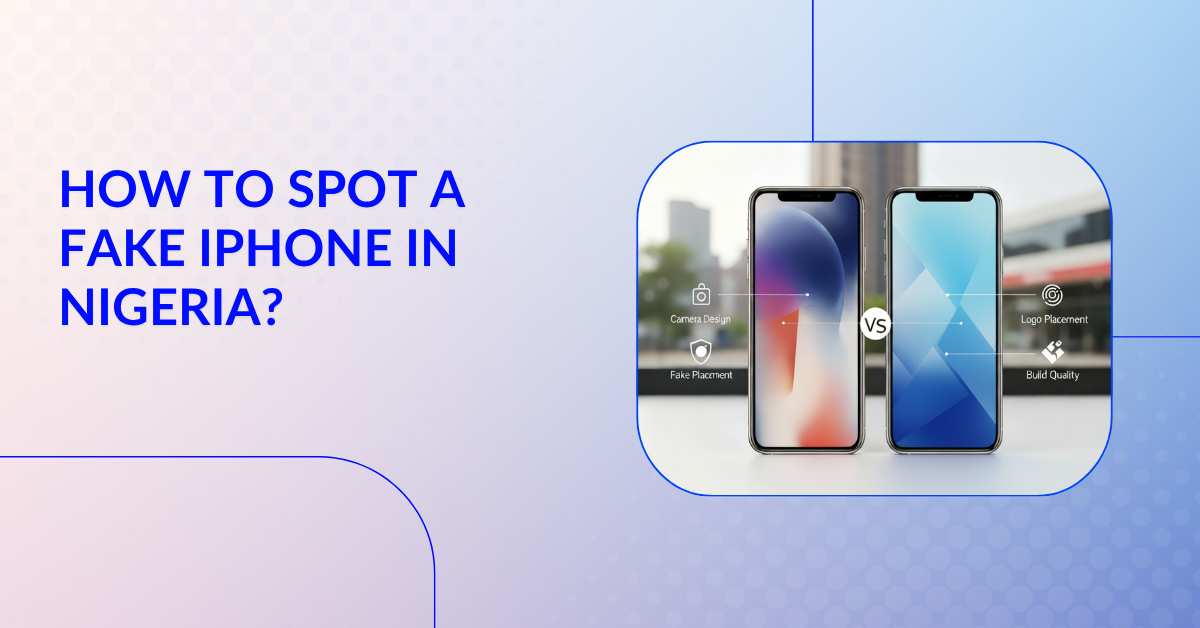
How to Spot a Fake iPhone in Nigeria?
{
“@context”: “https://schema.org”,
“@type”: “BlogPosting”,
“mainEntityOfPage”: {
“@type”: “WebPage”,
“@id”: “https://juma.ng/blog/how-to-spot-a-fake-iphone-in-nigeria”
},
“headline”: “How to Spot a Fake iPhone in Nigeria?”,
“alternativeHeadline”: “Step-by-step guide to identify fake iPhones and avoid scams in Nigeria”,
“description”: “Learn how to identify a fake iPhone in Nigeria using this step-by-step guide. Discover how to check packaging, verify IMEI numbers, inspect iOS software, and why buying from trusted stores like Juma.ng ensures authenticity and warranty.”,
“image”: “#”,
“author”: {
“@type”: “Person”,
“name”: “Juma Editorial Team”,
“url”: “https://juma.ng/author/juma-editorial”
},
“publisher”: {
“@type”: “Organization”,
“name”: “Juma Mobiles”,
“url”: “https://juma.ng”,
“logo”: {
“@type”: “ImageObject”,
“url”: “#”
}
},
“datePublished”: “2025-10-31”,
“dateModified”: “2025-10-31”,
“articleSection”: “Guides & Tips”,
“inLanguage”: “en-NG”,
“isAccessibleForFree”: true,
“wordCount”: “1250”,
“keywords”: [
“fake iPhone”,
“how to spot fake iPhone”,
“iPhone in Nigeria”,
“Apple Nigeria”,
“buy iPhone Nigeria”,
“Juma Mobiles”
],
“articleBody”: “Smartphones, especially iPhones in Nigeria, are a symbol of style, performance, and reliability. This guide explains how to identify counterfeit iPhones by following a four-step process: checking the packaging and Apple logo, verifying the IMEI number through Apple’s official site, checking the software and iOS settings, and ensuring purchases are made only from trusted stores like Juma.ng. The article also highlights why Juma.ng is the safest place to buy genuine iPhones in Nigeria with full warranty, Apple-authorized products, and a strong return and repair policy.”
}
Smartphones, especially iPhones in Nigeria, are a symbol of style, performance, and functional reliability. This popularity has its own downfall, and that is the circulation of fake iPhones in the market. Each year, thousands of Nigerians fall prey to the scam of counterfeit devices that look just like the original. However, these devices will differ in aspects of quality, performance, and that signature Apple security. Today, we will tell you a step-by-step process on how to spot a fake iPhone in Nigeria. This way you will be able to tell if your iPhone is genuine or no,t so you can avoid the costly mistake of buying one.
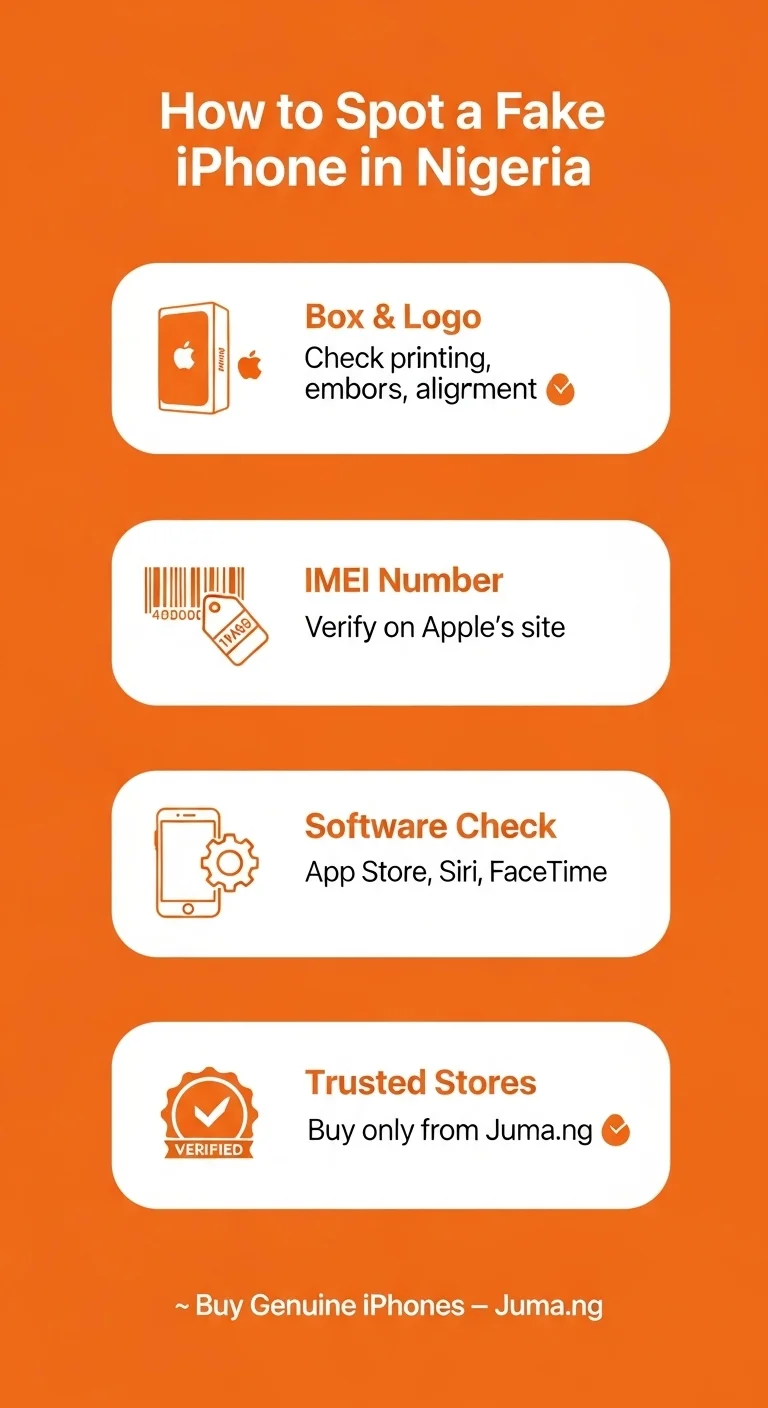
Step-by-Step Process To Easily Spot A Fake iPhone in Nigeria
Follow this 4-step process to know if the iPhone you are buying online or at a physical mobile shop is real or not.
Step 1 – Check the Packaging and Logo
The first thing that lies is the box itself. Apple is known for having clean, minimal packaging. This means every word, every image, and logo will be printed on the box with precision. If you notice blurry printing, missing information, or spelling issues, all these are your first warning signs. A real box will have that embossed Apple logo and be perfectly aligned. This box will also include stuff like the model number, serial number, and storage capacity. As for the fake iPhone box, it will have a different font, or the colors will be slightly off. The cardboard for the packaging will be of low quality or have poor printing on it.
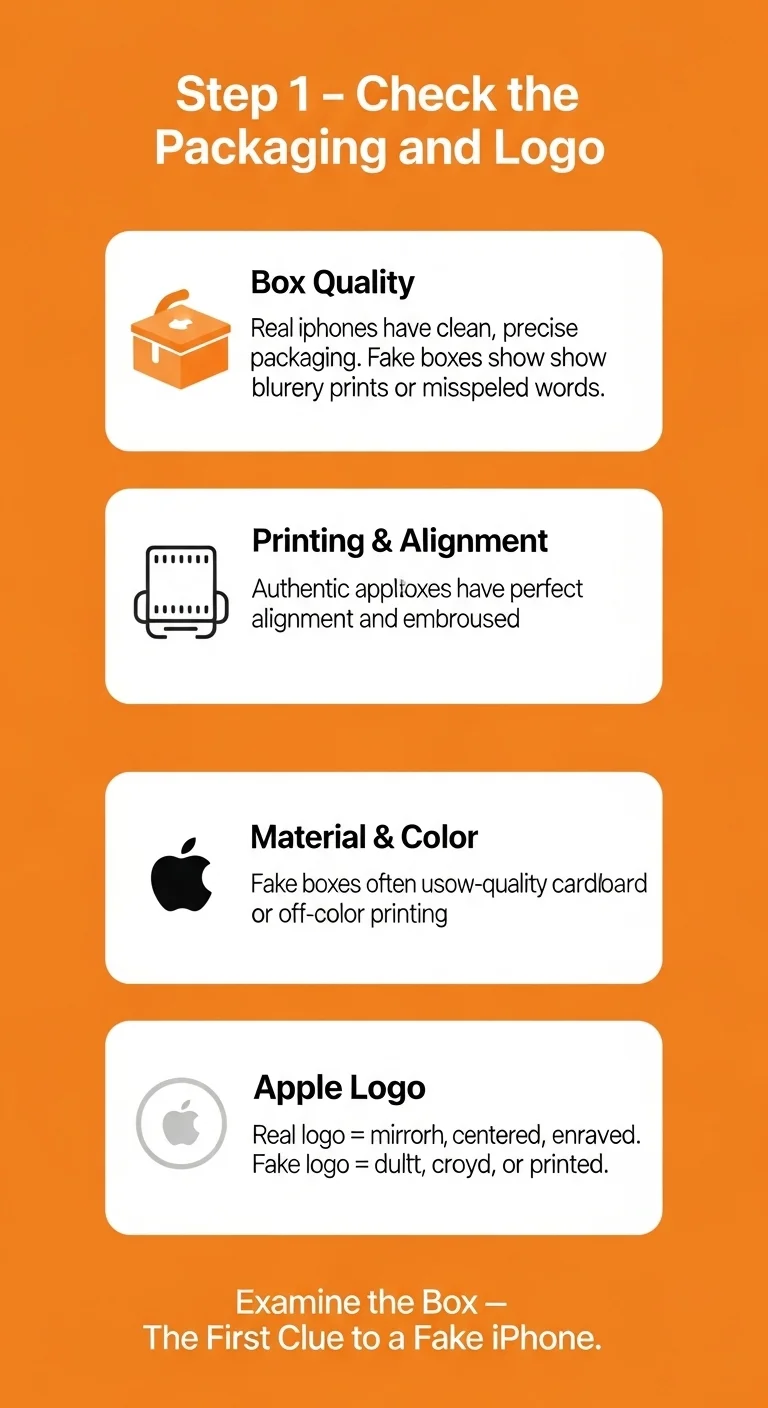
You should also look at the Apple Logo on the device itself. The authentic Apple logo will have that mirror-finish metallic logo that is right in the center. On a fake model, it might look dull, crooked, or sometimes it is printed rather than engraved.
Step 2 – Verify the IMEI Number
This step is important and a reliable one to confirm the phone’s authenticity. Each iPhone will have a unique IMEI number that you can verify through Apple’s system. To do this, you need to go to the iPhone’s Settings > General > About and find the IMEI number. For this, you can visit the official Apple Verification page and enter the IMEI number there to confirm its registration as a genuine Apple product. If the IMEI page doesn’t show up on the page shows an error, the phone is likely a fake.
You can also look for this IMEI number on the SIM tray or the box label. Make sure these numbers all match and if its not matched, the IMEI numbers are another scam alert.
The tip here is to always check the phone’s performance first and its software next before you make the purchase counterfeit.
Step 3 – Check Software and Settings
Many fake iPhones turn out to be Android phones that are running on a modified skin that mimics the iOS. The might seem like a real iPhone at a single glance but the software will give away after some time. The way to test this fake or real iPhone device is to do the following sub-steps.
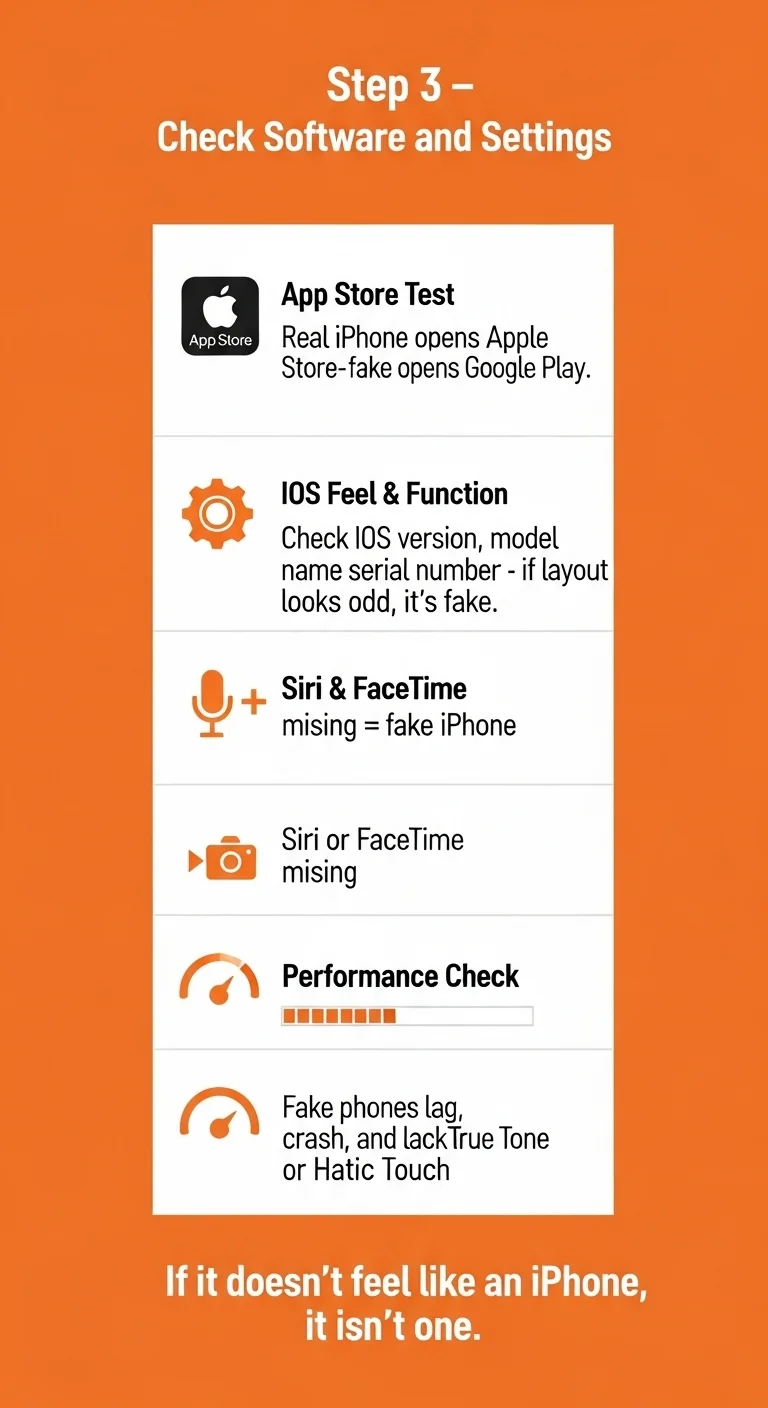
1.App Store Test
Try opening the App Store, if it’s a real iPhone it will connect you to the official App Store of Apple. If it’s a fake device, you will be redirected to the Google Play Store or another play store.
2.iOS Feel and Function
Go to the Settings > General > About and you will see the detailed information about the phone will display. This include info like the iOS version, the Model name, and the Serial number. If this menu looks different, feels cluttered, or it doesn’t have the iOS detail, it is a fake.
3.Siri and FaceTime
You must also ask SIRI a question or try to launch the FaceTime app. If these apps are non-functional or missing altogether, you have a fake iPhone.
4.Performance
Fake iPhone usually face issues like lag, crash, or have the inconsistent touch responses. The animations of it will not be smooth as a genuine iPhone and the primary features like the True Tone Display or the Haptic Touch are both missing. In short, if it doesn’t feel like an iPhone then it probably isn’t an iphone.
Step 4 – Buy from Trusted Stores Only
Even if you know how to spot these signs, the safest way to buy the iPhone is from a trusted retailer. Most fake iPhones are often on the informal marketplaces or the unverified online listings. This is why it’s better to shop your iPhone from verified sources like Juma.ng. As one of the reputable online mobile stores in Nigeria, Juma guarantees the sale of original Apple products that they authorize from authorized dealers and distributors directly.
When you buy an iPhone from a verified store, you don’t get the iPhone, you get the peace of mind. This is because all iPhones are sealed and verified by Apple. You will get their official receipts and the warranty cards. You can verify the serial number directly from directly from the Apple website.
Why Buying from Juma.ng Means Safety
Juma.ng is not just another average marketplace for iPhone in Nigeria. It’s a trusted digital store that is built around its custom confidence. These are the reasons why Juma is the best place to buy iPhone in Nigeria.
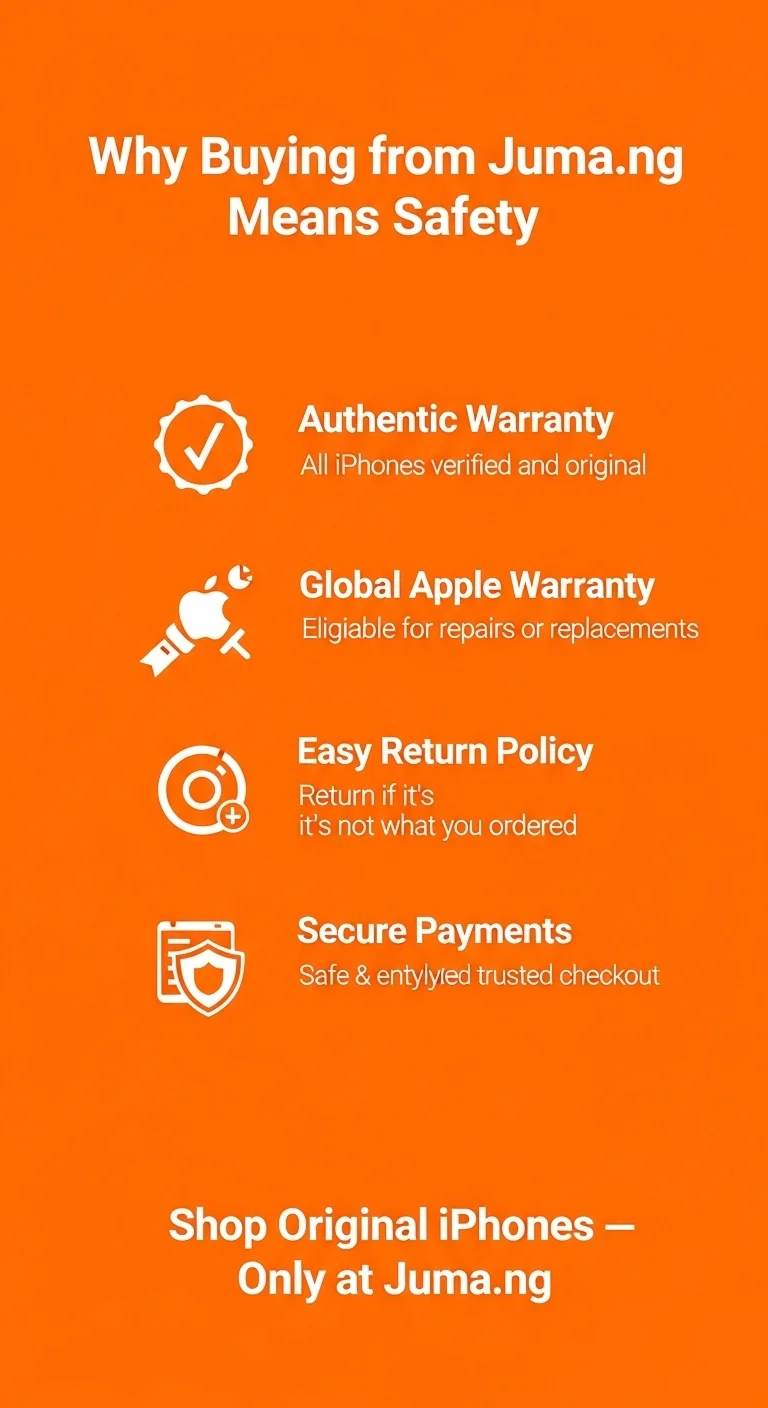
- Each iPhone at Juma has the authentic warranty and is verified.
- Your device gets the Apple’s global warranty with eligibility for free repairs or replacements.
- If the product you get is not what you ordered, Juma offers a return policy.
- You can make payments through safe, and secure payment gateways.
Our Final Say
Before you buy an iPhone in Nigeria, you must take necessary precautions. Always check for the packaging and the Apple logo to find any inconsistencies. Be sure to verify the IMEI number on the official Apple website. You must always inspect the software to see if the iPhone is running on the genuine iOS. It’s better to be safe than sorry; thus, you must make deals with a trusted iPhone retailer like Juma.ng.
Shop Original iPhones with Full Warranty at Juma.ng
Skip the risk for money and your data security – opt to buy a genuine iPhone in Nigeria from Juma.ng. You get authentic Apple devices, official warranty & support, and safe delivery all across Nigeria.